Transforming Photos with the Vector Watercolor Photoshop Action
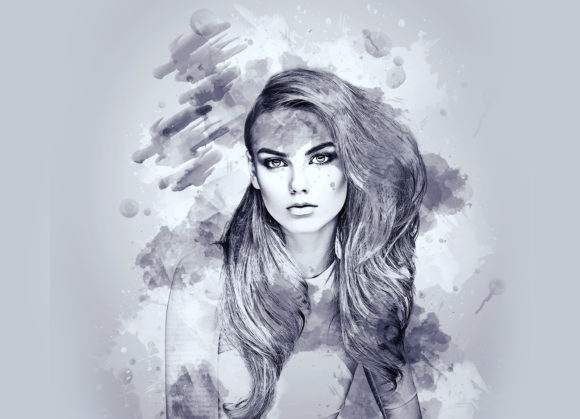
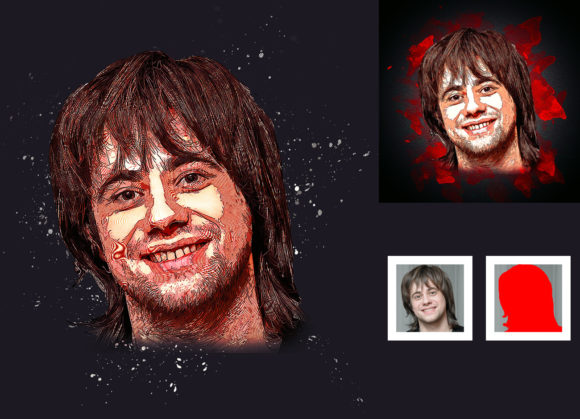
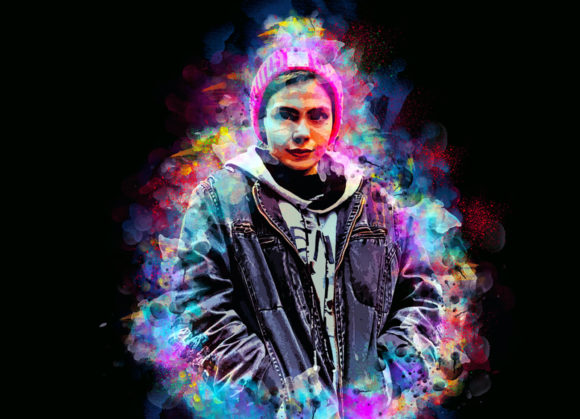
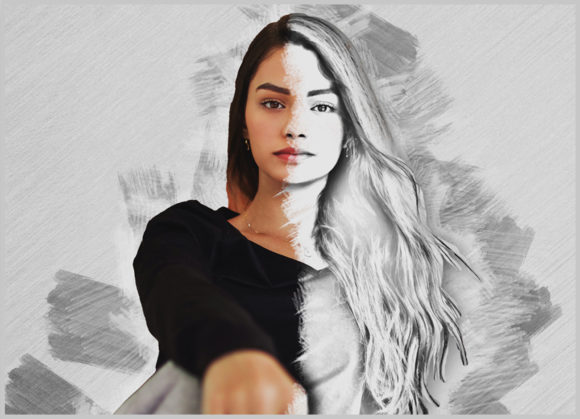
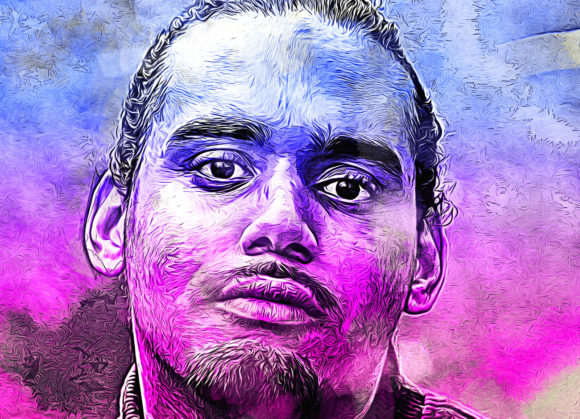
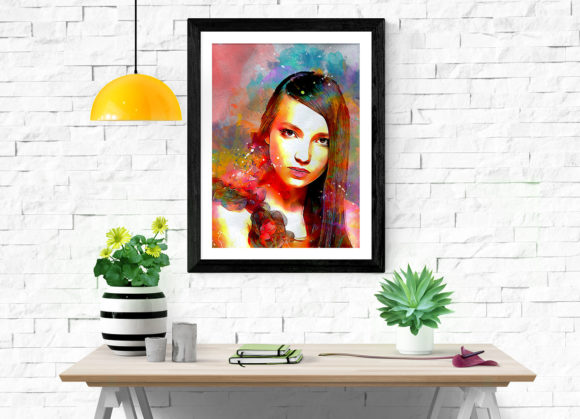
Digital art often struggles to capture the organic, unpredictable charm of traditional media. For photographers and designers, bridging the gap between a crisp digital image and the soft, fluid aesthetics of watercolor painting can be a tedious process involving hours of manual brushwork. This is where a specialized Vector Watercolor Photoshop Action becomes an invaluable asset. It is not just a filter; it is a workflow solution designed to transform your photos into a real vector watercolor look with precision and ease. By automating the complex layering and texturing processes, this tool allows creators to achieve high-quality, non-destructive results in seconds rather than days.
Why Choose a Non-Destructive Workflow?
The most significant advantage of using a professional-grade action like this is its non-destructive nature. In creative work, flexibility is currency. When you apply a standard filter, you often bake the effect into the pixel data, making it difficult to adjust later without losing quality. However, this action is built to preserve your original image integrity. It utilizes adjustment layers, masks, and smart objects, meaning you can tweak the intensity, color balance, and texture at any point in the future.
For freelancers and agency designers, this feature is critical. Client feedback often requires subtle changes—perhaps the watercolor bleed needs to be softer, or the colors need to align better with brand guidelines. With a non-destructive workflow, these adjustments are simple toggles rather than starting from scratch. The action supports a wide range of software versions, including CS5, CS5.5, CS6, and all Creative Cloud iterations up to CC2020, ensuring that whether you are on a legacy system or the latest update, your workflow remains consistent and reliable.
Real-World Applications for Creators and Businesses
Understanding where and why to use this tool is just as important as knowing how to install it. The versatility of the vector watercolor aesthetic opens doors across various industries and personal projects.
E-Commerce and Product Marketing
Small business owners selling handmade goods, jewelry, or artisanal products often need imagery that feels warm and approachable. Standard white-background product shots can feel sterile. By applying the watercolor action to product photography, entrepreneurs can create lifestyle-inspired graphics for social media campaigns. The soft edges and artistic flair make the products feel part of a curated, artistic narrative, which can significantly increase engagement on platforms like Instagram and Pinterest.
Wedding and Event Invitations
Graphic designers working in the wedding industry frequently seek unique textures for save-the-dates and invitations. Couples often request floral motifs or portraits of themselves rendered in a painterly style. Instead of hiring an illustrator for every single client, a designer can use high-resolution photos (recommended at 2000x3000px for optimal detail) and run them through this action. The result is a custom, hand-painted look that feels exclusive and personal, allowing the designer to scale their services without sacrificing quality.
Educational and Editorial Content
Educators and bloggers looking to break up text-heavy articles or textbooks can use this tool to create engaging visual aids. Historical figures, scientific diagrams, or literary characters can be transformed into watercolor illustrations, making the content more visually appealing and less intimidating for students. The ten different color options available within the action allow educators to match the visuals to specific themes or chapters, maintaining a cohesive design language throughout their materials.
Customization and Ease of Use
One of the common fears when adopting new digital tools is the learning curve. This action is designed with accessibility in mind. The package includes not only the ATN file but also specialized brushes, patterns, a PDF "Read Me First" file, and a comprehensive help file. This support structure ensures that even users who are not advanced Photoshop experts can achieve professional results.
The customization process is intuitive. Upon opening the "unviewed eye" or layer panel, users are presented with ten different color options. This variety is crucial because watercolor is defined by its palette. Whether you need a muted, vintage tone for a nostalgic project or vibrant, saturated hues for a modern poster, the ability to change brush colors easily allows for rapid experimentation. You are not locked into a single preset; you are given a foundation to build upon.
Step-by-Step Implementation for Best Results
To get the most out of the Vector Watercolor Photoshop Action, following the correct procedure is essential. The tool relies on specific layer naming conventions to function correctly. Here is a practical breakdown of the process:
- Prepare Your Image: Start by opening a high-quality photo. For the best resolution and detail retention, images around 2000x3000px are recommended. Lower resolution images may result in pixelation or loss of the delicate watercolor texture.
- Create the Brush Layer: Take a new layer and rename it exactly “brush” in lowercase. This step is critical; the action looks for this specific name to apply the masking effects correctly.
- Define the Focus: Select a soft brush and paint over the areas of the image you want to retain in sharp focus or highlight. This tells the action where to keep the details and where to let the watercolor effect bleed and soften.
- Execute the Action: Close the eye icon on the “brush” layer to hide it, then select your background layer. Click the play button on the action panel. The software will automatically process the image, applying the textures, colors, and vector-based smoothing.
This method gives you control over the composition. You decide what stays sharp and what becomes art. It transforms a passive filtering process into an active design choice.
Considerations Before You Begin
While the tool is powerful, users should manage their expectations regarding input quality. The action works on every photo, but the output quality is directly tied to the input. Lighting, contrast, and resolution matter. A poorly lit, blurry photo will result in a muddy watercolor effect. Additionally, since preview images are not included in the download, it is wise to test the action on a few different types of images—portraits, landscapes, and still life—to understand how it handles different textures and color gradients.
Furthermore, ensure your software version is compatible. The action is tested and optimized for English versions of Photoshop CS5 through CC2020. If you are using a non-English version, you may encounter issues with layer naming conventions, so sticking to the English interface is advisable for smooth operation.
Final Thoughts on Digital Artistry
Incorporating a Vector Watercolor Photoshop Action into your toolkit is about more than just saving time; it is about expanding your creative vocabulary. It allows photographers to think like painters and designers to work with the speed of automation. Whether you are creating a heartfelt gift, a commercial advertisement, or educational material, this tool provides the bridge between digital precision and artistic expression. By understanding the non-destructive benefits, mastering the simple setup steps, and exploring the diverse use cases, you can elevate your visual content with a touch of timeless elegance.